Getting Started
- 1
Download the Pintours App
Download from App Store - 2
Get your tour code — You will be provided a tour code that has all the details of the tour, including stop locations and commentary.
- 3
Setup audio — Connect your phone's audio through the car's Bluetooth or an aux cable.
- 4
Open the app — When asked if you are a tour guide, select "I Just Want To See Some Tours".
App screenshot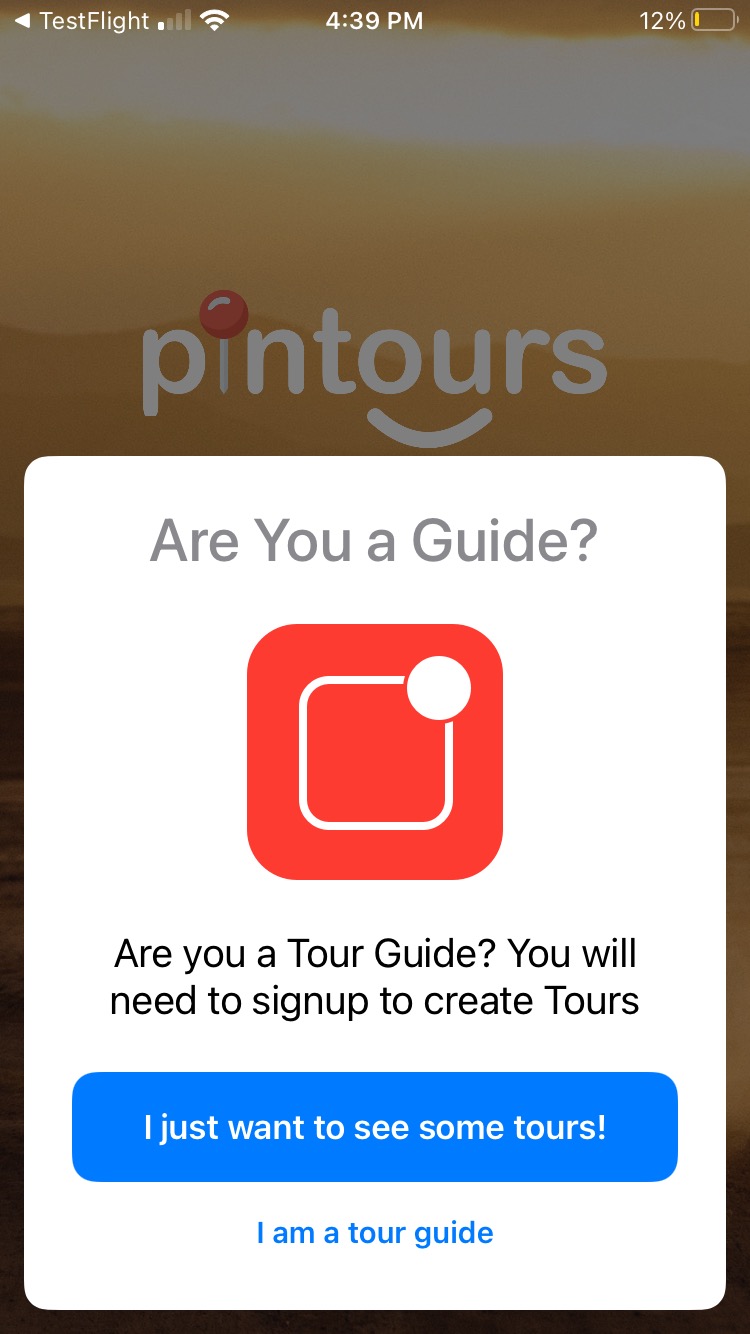
Select "I Just Want To See Some Tours" - 5
Enter your code — Tap the camera button that says "Enter Code or Scan" or purchase a tour within the app.
App screenshot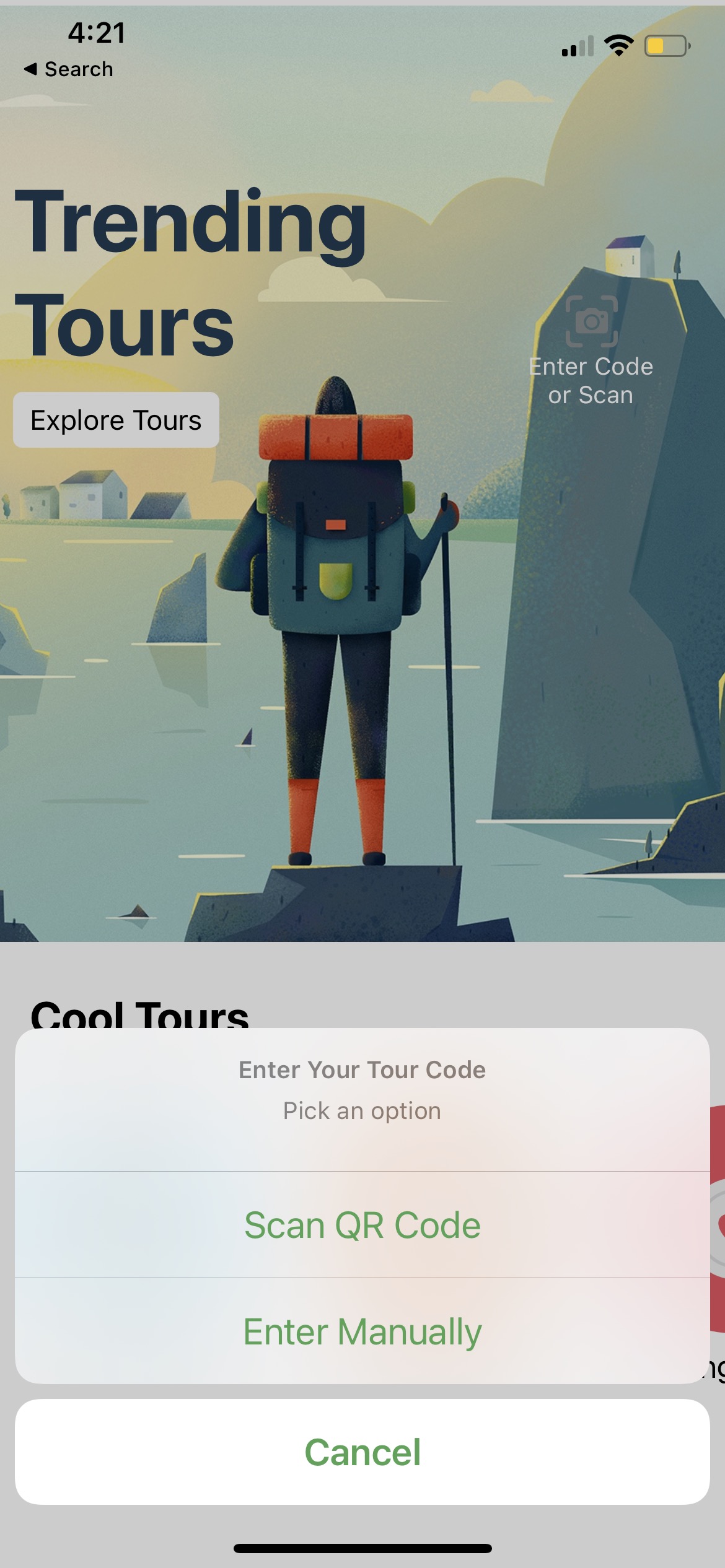
Tap 'Enter Code or Scan' - 6
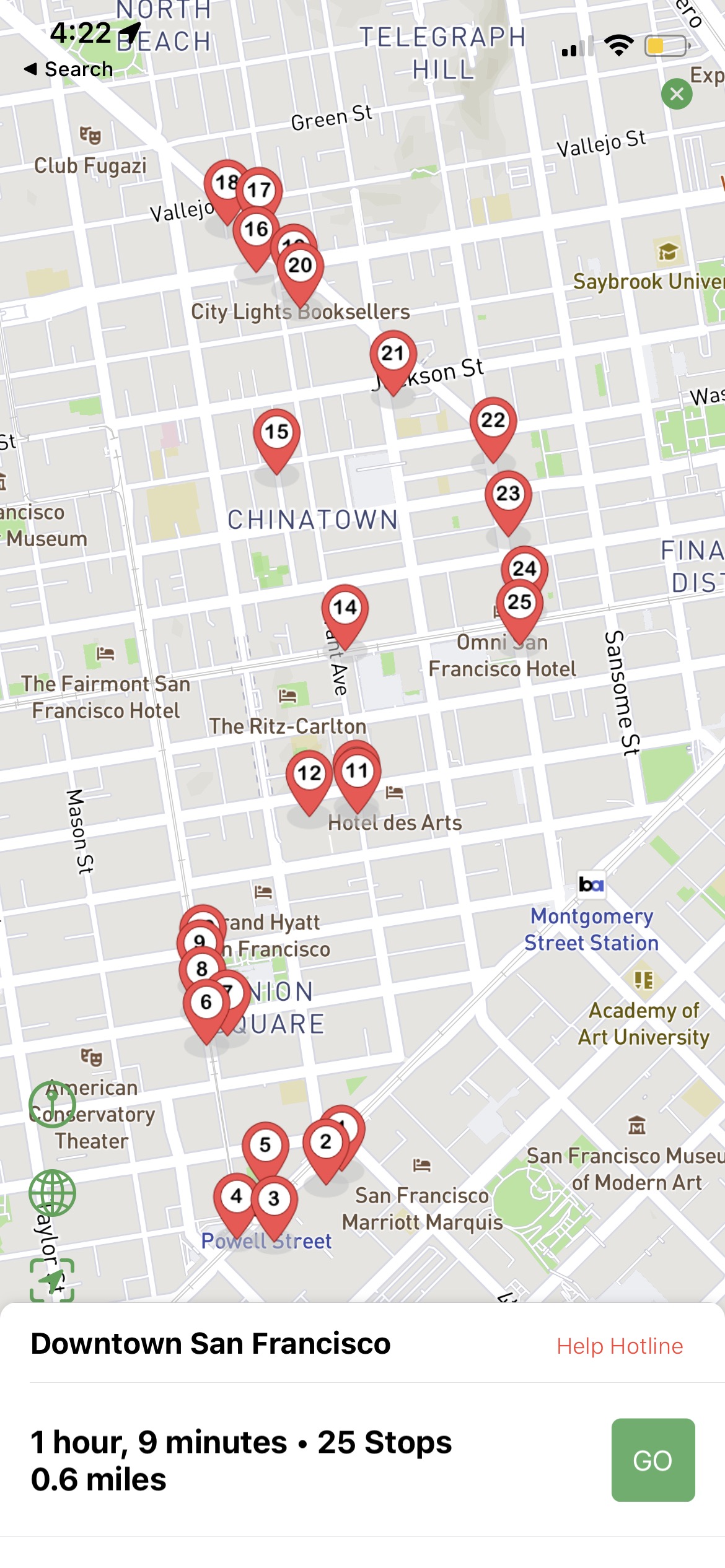
Download the tour — The tour will be saved to your tours tab. Tap it to download the rest of the tour content.
App screenshot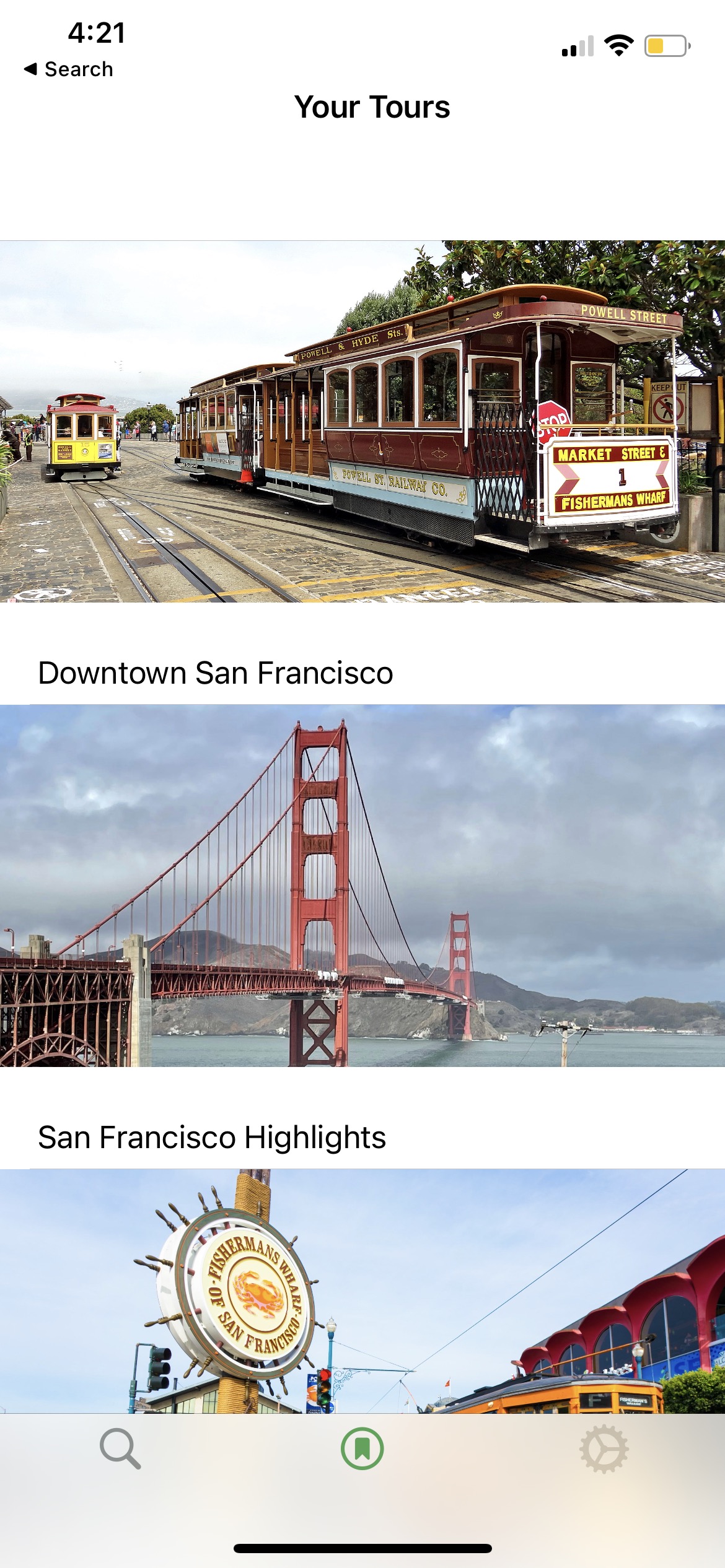
Your tour will appear in the tours tab - 7
Download maps (optional) — If you won't have internet during the tour, download the maps to ensure they work offline.
App screenshot
Download maps for offline use